698 Disk Retries & Jumping Volume IDs: Tracing Explorer Freezes to a USB NVMe Bridge
#NVMe#UASPStor#Windows Events#Hardware
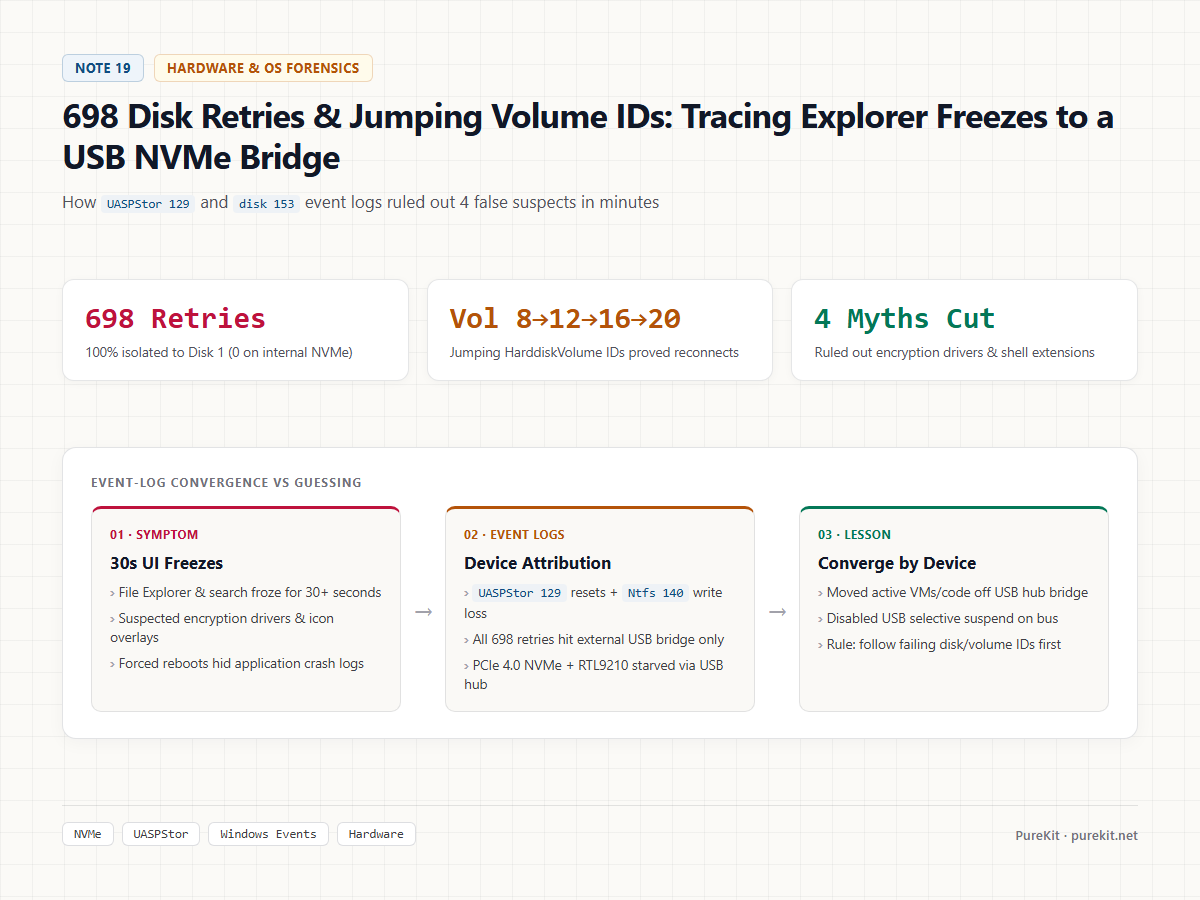
The Symptom
Windows File Explorer and local file search repeatedly froze for 30+ seconds, forcing hard reboots. Early guesses blamed file-encryption drivers, broken Quick Access links, and shell icon overlays.
Following Device-Level Evidence
Querying Windows System Event Logs cut straight through the noise:
Get-WinEvent -LogName System -FilterXPath "*[System[(EventID=129 or EventID=153) and TimeCreated[timediff(@SystemTime) <= 86400000]]]" | Group-Object Id- 698 IO retries (
disk 153) over two weeks occurred 100% on Disk 1 (an external USB NVMe enclosure), with zero on the internal SSD. UASPStor 129bus resets andNtfs 140write failures matched every single freeze window.- The drive’s volume ID jumped
HarddiskVolume8 → 12 → 16 → 20in a single day—undeniable proof of repeated disconnects.
Root Cause & Lesson
A power-hungry PCIe 4.0 NVMe inside a Realtek RTL9210 USB bridge, fed through an unpowered USB 3.0 hub, dropped off the bus under load. Whenever Explorer touched that drive letter, synchronous 30-second IO timeouts froze the entire shell.
Lesson: Converge by which device is throwing errors in kernel logs before blaming installed software.
Enjoyed this note or seen a similar bug?
Feel free to drop a line—always glad to exchange ideas with fellow engineers.